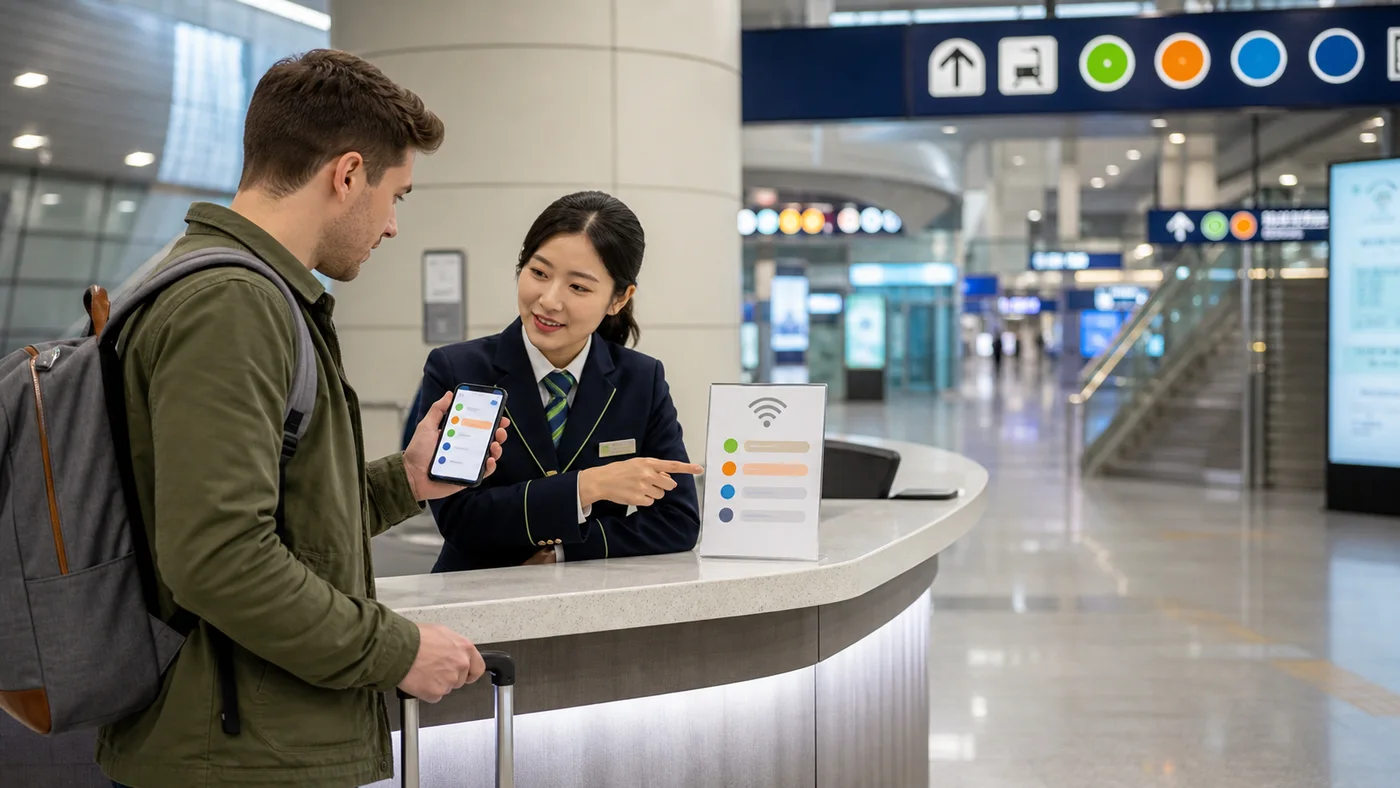
Skip to main content← All guidesConceptual venue-verification scene, not a real SSID, portal or guarantee that a network is secure. Confirm the exact network and sign-in method with the responsible venue, and keep sensitive activity on a trusted connection.Illustration: Korea Era editorial studio · Korea Era original editorial image
CONNECTIVITY · GUIDE
Using Public Wi-Fi Safely in Korea
Treat public Wi-Fi as an optional connection, verify the network with the venue, avoid sensitive account recovery or payments on an untrusted hotspot, and keep a mobile or offline route fallback.
A traveler without a working private data connection→A verified connection or a usable offline fallback
QUICK ANSWER
Get the answer before the details.
◆
Availability
Public Wi-Fi exists, but coverage varies
●
Trust
A familiar network name is not proof
+
Fallback
Keep routes and addresses offline
LAST CHECKEDAugust 24, 2026
USE IT ON THE TRIP
Keep this guide for the day you need it.
Add it to an itinerary, or ask travelers when one detail may have changed since the last official check.
1Decide what must work without Wi-FiSave the Korean accommodation address, first route, ticket access and emergency numbers offline before the current connection disappears.
Save the Korean accommodation address, first route, ticket access and emergency numbers offline before the current connection disappears.
Watch out A QR code or cloud note that needs a login is not an offline copy.
2Verify the network with the venueAsk staff or read an official sign for the exact network name and sign-in page.
Ask staff or read an official sign for the exact network name and sign-in page. Stop if the portal requests unrelated credentials, payment or device control.
Watch out A stronger signal with a similar name can be an unrelated hotspot.
Set it up
3Keep sensitive actions on a trusted pathAvoid password resets, banking, card entry and identity-document uploads on an untrusted network.
Avoid password resets, banking, card entry and identity-document uploads on an untrusted network. Use a trusted mobile connection or wait for a known network.
Watch out A padlock icon does not prove the Wi-Fi operator is the venue you intended.
Keep it working
4Disconnect and preserve the routeTurn off automatic reconnection to unknown networks and confirm the next route remains readable offline before leaving the venue.
Turn off automatic reconnection to unknown networks and confirm the next route remains readable offline before leaving the venue.
Watch out Do not let a public network silently replace a working private connection during payment or navigation.
COMPARE OPTIONS
Choose without rereading the page.
Verified venue or public network
Cost
Often no direct fee
Time
Coverage dependent
Roaming, SIM or eSIM
Cost
Plan dependent
Time
Coverage and plan dependent
Option
Best for
Cost
Watch out
Verified venue or public network
Low-risk browsing and restoring a route
Often no direct fee · Coverage dependent
Verify the network and keep sensitive actions off an untrusted path.
Roaming, SIM or eSIM
Continuous navigation and account access
Plan dependent · Coverage and plan dependent
Confirm device support, activation and data terms before relying on it.
AVOID THESE MISTAKES
2 mistakes worth remembering.
Connecting to the first familiar SSID.
Do this instead Confirm the exact network name and portal with the venue.
Keeping every ticket only in an app.
Do this instead Store non-sensitive route and ticket access needed for the next leg offline.
TRAVELER FAQ
Answers before you leave.
Is public Wi-Fi available everywhere?
No. VISITKOREA describes broad availability in many public places but warns that reliability varies outside well-covered areas.
Can I use it for banking?
Use a connection you trust for banking, identity and password recovery. If the network operator or portal is unclear, wait or use private mobile data.
What should I save offline?
Keep the Korean public destination, route, essential ticket access, operator contacts and 112, 119 and 1330 without room numbers or access codes.
How to get connected in Korea without losing your home SIM: device checks, eSIM activation, airport carrier counters, data-only plans, Korean phone numbers and a safe first-hour setup.
A foreign visitor's K-pop concert checklist from official ticket sale and identity matching to mobile-ticket access, venue queues, prohibited items, merchandise, crowd safety and the trip home.
A first Korean baseball game from official schedule and team ticket channel to stadium access, seating, food, cheering, rain postponements, safety and the crowded trip home.
Sources & verification3 official sources · August 24, 2026
Check it yourself.
Every changing rule stays attached to the organization responsible for it.
A device-by-device power check for Korea that separates plug shape, voltage, grounded use, charger wattage and venue availability instead of treating one travel adapter as proof that every appliance is safe.
A coast-specific safety workflow for beaches, rocks, breakwaters, mudflats and water activities that treats lifeguards, barriers, weather and local controls as live conditions rather than scenery.
A practical Korean traditional-liquor class guide covering makgeolli and other formats, reservation and language, age and tasting, rice and nuruk allergens, sanitation, fermentation, pressure, storage, transport, customs and a dated brewery footprint.