BASICS · CONNECTIVITY
KOREA ERA · LIVE TRAVEL BOARDSeoul detail · events across Korea · Busan and Jeju city hubs

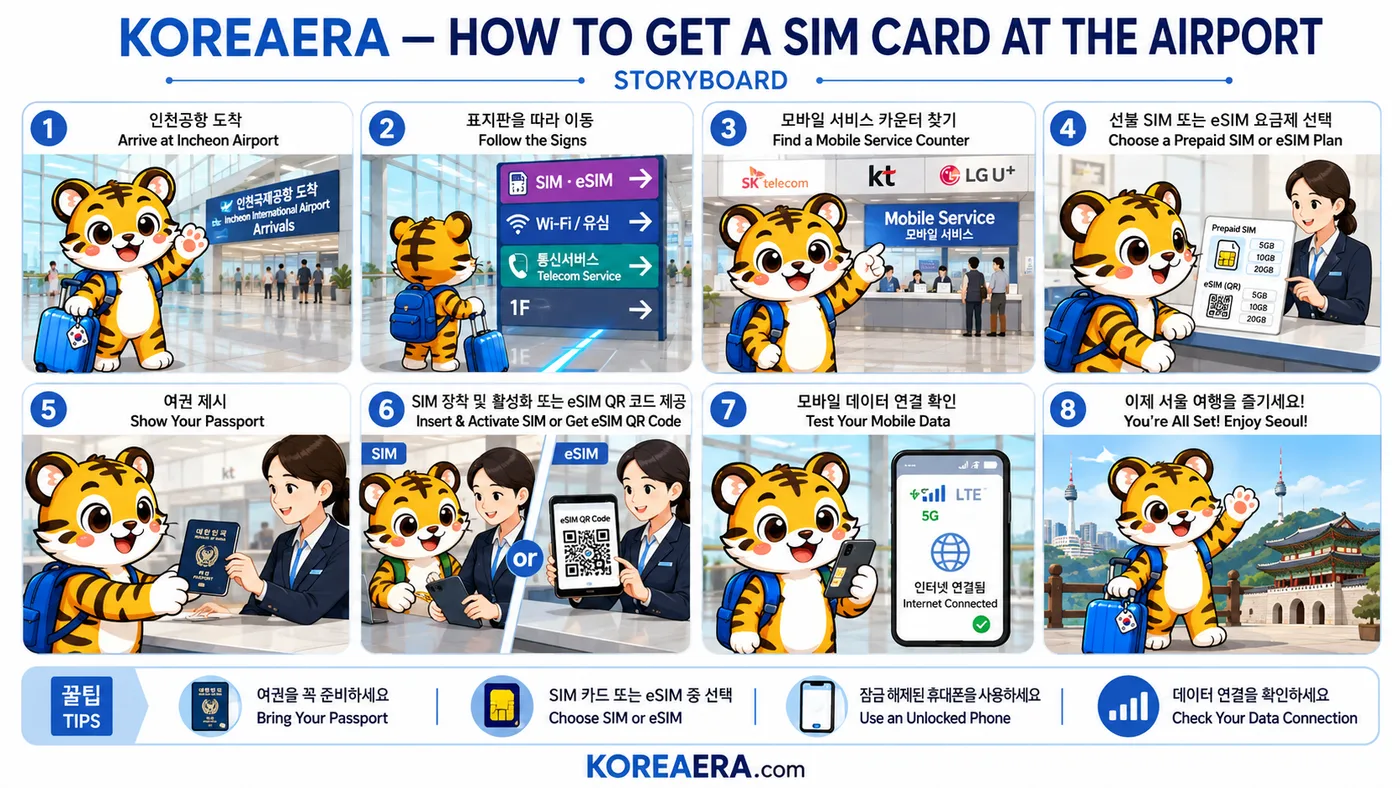
ILLUSTRATED GUIDE
Get to know the route before you go
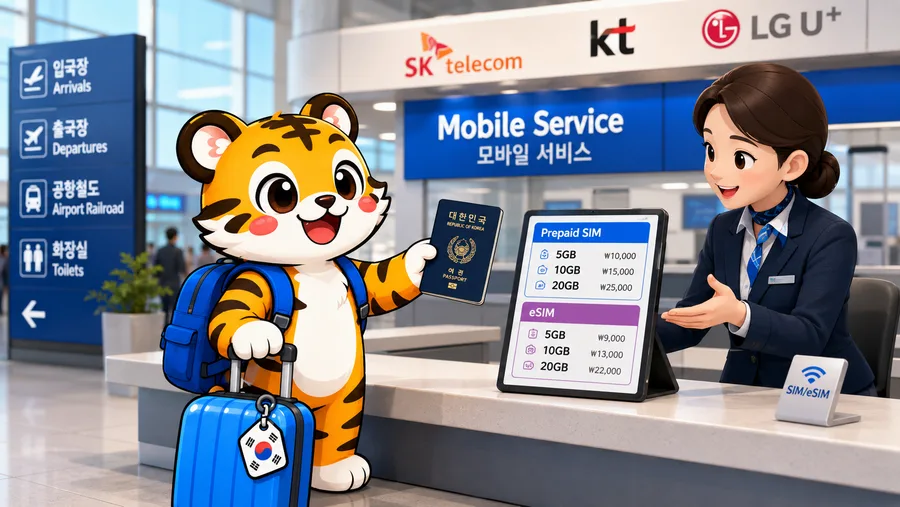
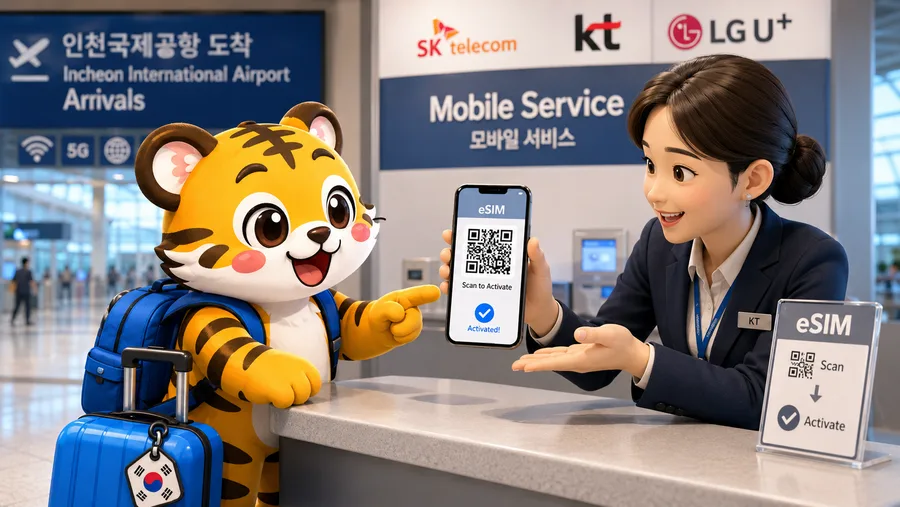
- The “5GB / 10GB / 20GB” plan card and the carrier logos in the artwork are illustration. Current plans, prices and validity are set by the operators and change — ask at the counter or read the operator's page.
- No price is published on this page. We have not verified a current counter price, and drawing one would not make it true.
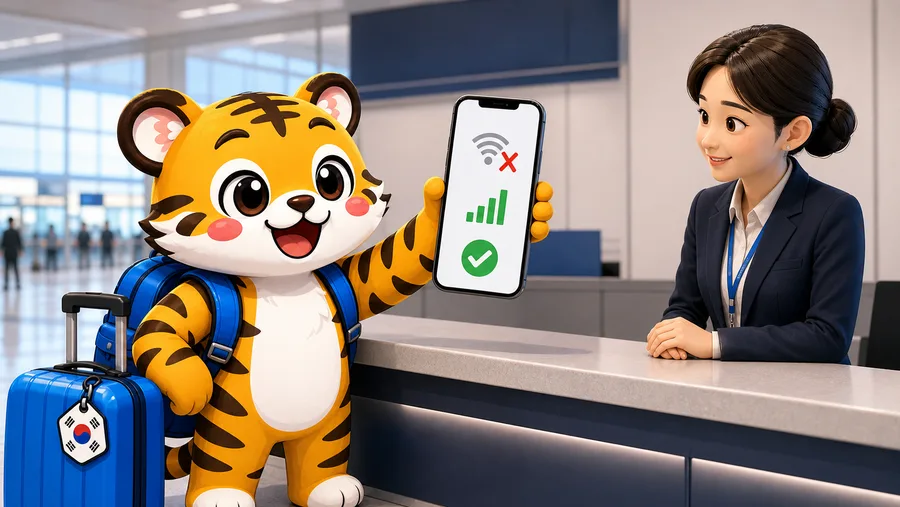
- The crossed-out wi-fi, cellular bars and check in step 7 show the test procedure only. They do not prove activation, provider, speed, coverage, allowance or plan validity.
- The train, bus, taxi and map symbols in step 8 are generic choices. They do not prove a service is operating, available or suitable for the traveler's route.
STEP BY STEP
What you actually do, in order.
- 01
Land and clear arrivals
Airport wi-fi covers the terminal, so you are not offline while you sort this out. You are offline the moment you step outside, which is the part worth planning.
Look for 인천국제공항 도착 · Arrivals

- 02
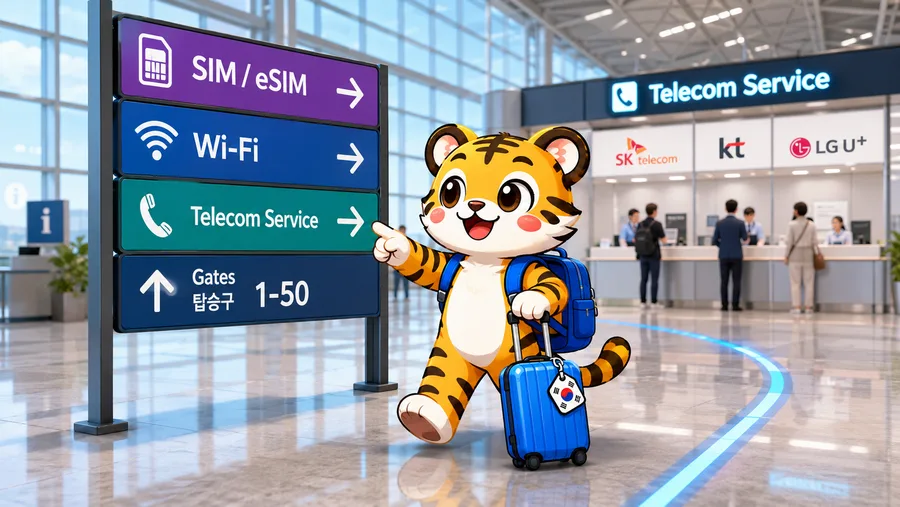
Follow the telecom signs
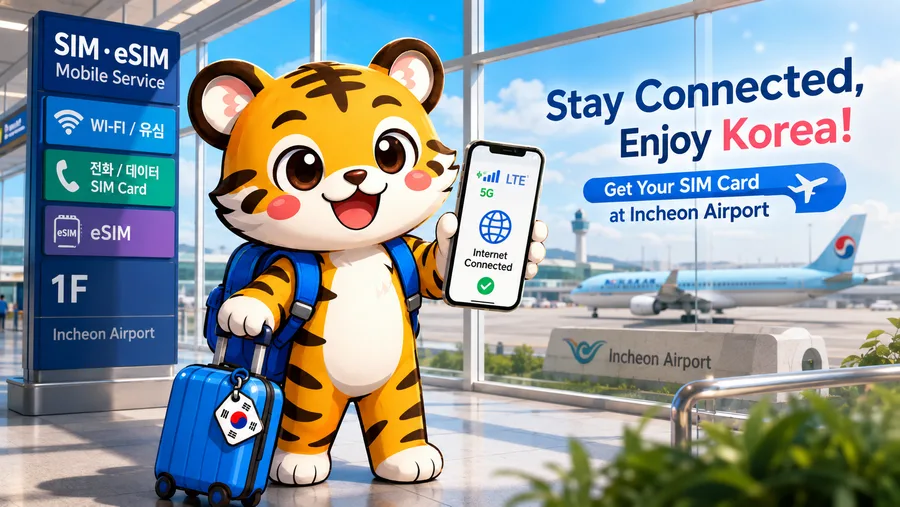
Counters are signed for SIM, eSIM and 유심 — the Korean word for a SIM card — and sit on the arrivals level near the exits.
Look for SIM · eSIM · 유심 · 통신서비스 Telecom Service
- 03
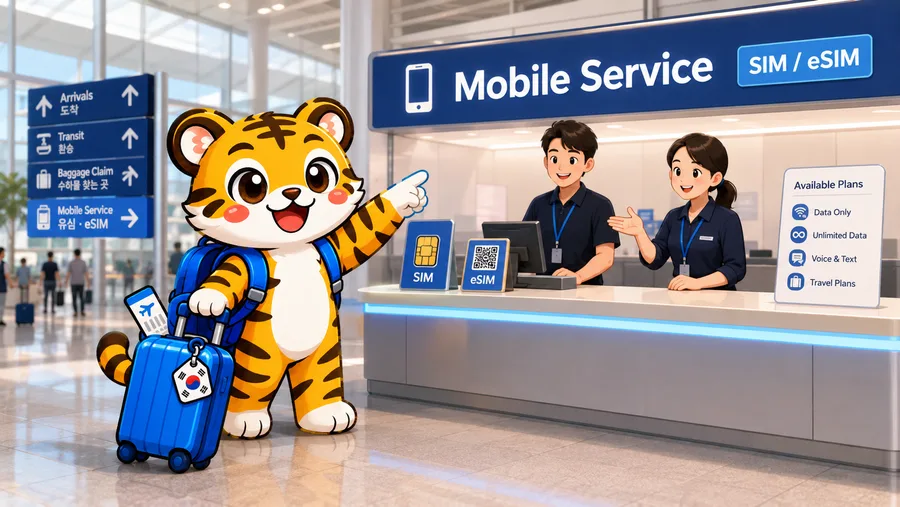
Find a mobile service counter
Korea's three networks all staff arrivals counters, and resellers operate alongside them. Any of them can sell a short prepaid plan to a visitor.
Look for Mobile Service · 모바일 서비스
An eSIM bought online before flying skips this queue entirely. Compare that against the counter price rather than assuming the airport is the only option.
- 04
Choose a prepaid plan
Plans are sold by data allowance and number of days. Decide whether you need a Korean phone number — some bookings and delivery services ask for one — because that changes which plan works.
A data-only plan cannot receive Korean SMS verification codes. If a service you rely on needs one, say so at the counter.
- 05
Show your passport
Korean prepaid SIM registration is identity-checked, so the passport is not optional. Have it out rather than packed.
Look for 여권 · Passport
- 06
Install the SIM, or scan the eSIM code
Staff fit a physical SIM and keep your original card safe in the packaging. An eSIM is a QR code you scan into the phone's settings there and then.
A physical SIM needs an unlocked phone, and an eSIM needs a phone that supports one. Check both before you queue, not at the counter.
- 07
Test it before you walk away
Load something over mobile data with the airport wi-fi switched off. This is the one moment when the person who can fix it is standing in front of you.
Turn wi-fi off to test. A page that loads over airport wi-fi proves nothing about your new plan.
- 08
Leave connected
With data working you can call a taxi, read live train times and search a Korean address — which is what makes every other arrival decision easier.

CHECKED FACTS
Check fares and travel times
Checked on 2026-08-24 using the official sources below. Fares, times and services can change, so check again on the day you travel.- What you need
- Passport, and an unlocked phone for a physical SIMPrepaid SIM registration in Korea is identity-checked.
- eSIM
- Needs a phone that supports eSIMCan be bought before flying and activated on landing, skipping the counter queue.
- Alternative
- Activate an eSIM you installed before flyingRecommended in our arrival guide over queueing on the day.
- Where
- Telecom counters on the arrivals levelBoth terminals. Confirm current counter hours for a late landing.